
Live it allwith GiveCash.
Find events near you, keep every ticket on your phone and relive the best moments. Organizers sell tickets and welcome their guests in the same app.

A product of


Made for every kind of night out
 Concerts
 Comedy nights
 Galas and fundraisers
 Art shows
 Food and drink
 Sports and fitness
HOW IT WORKS
From the first look to the last encore.
Everything for a night out, in one app.
Discover
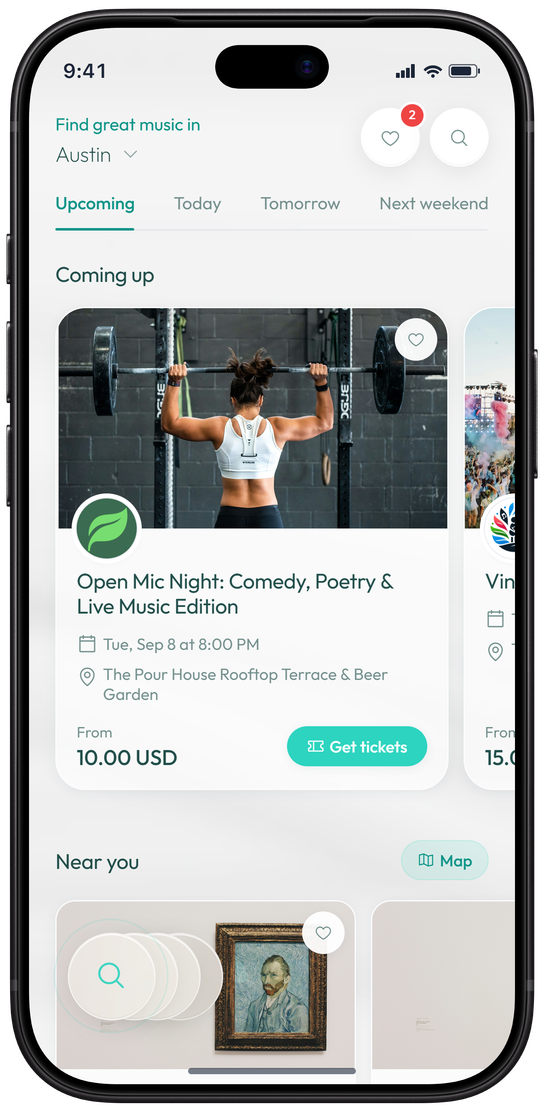
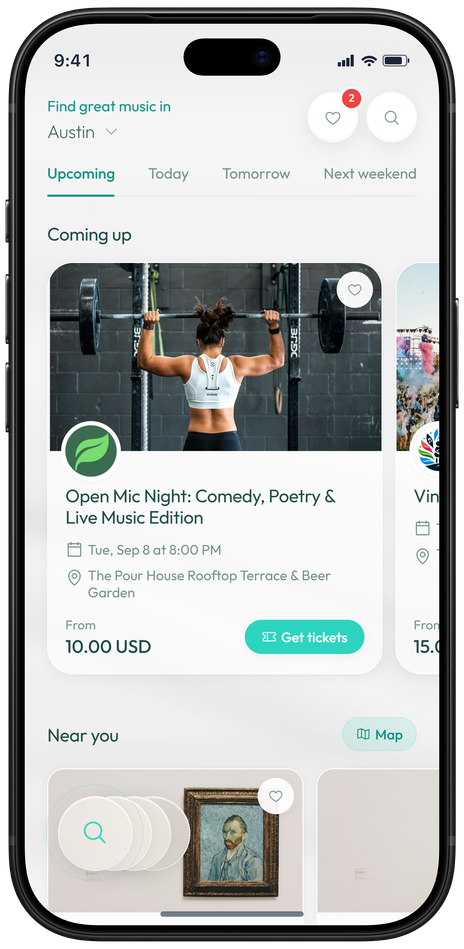
See what is on today, tomorrow or next weekend, near you or on the map. Save the events you love and follow their organizers.
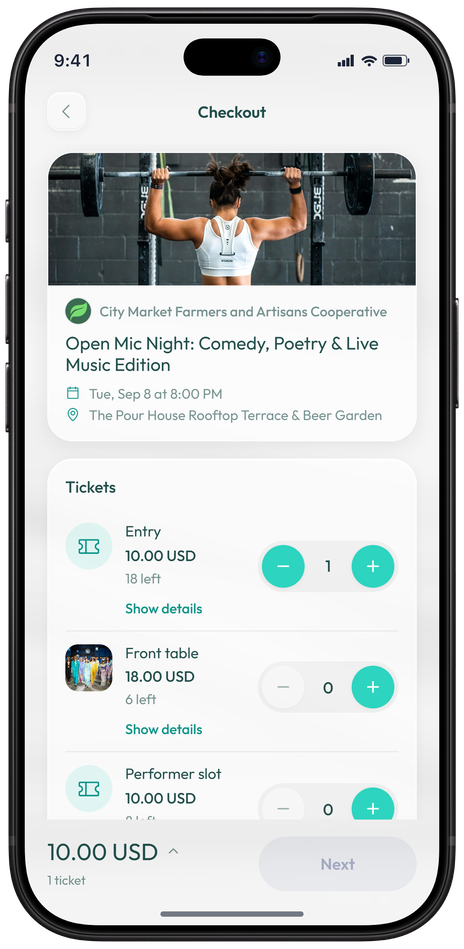
Get your tickets
Choose your tickets and pay by card in a few taps. Your tickets go straight to the app.
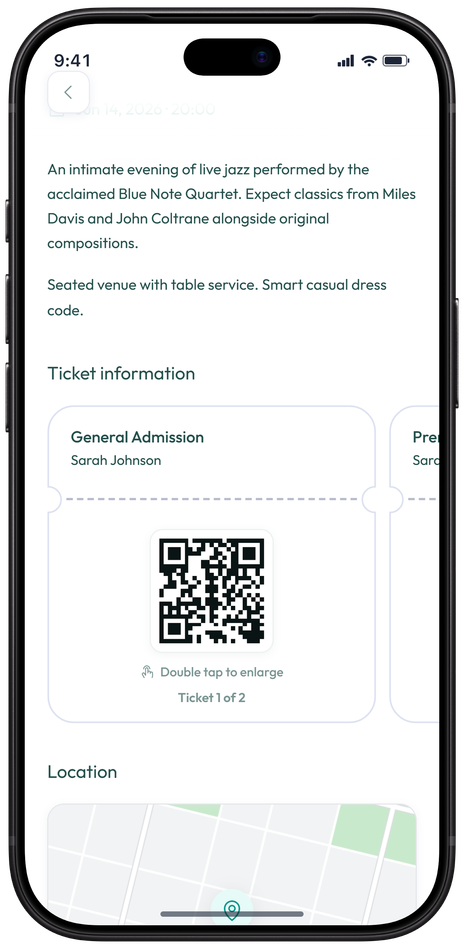
Walk right in
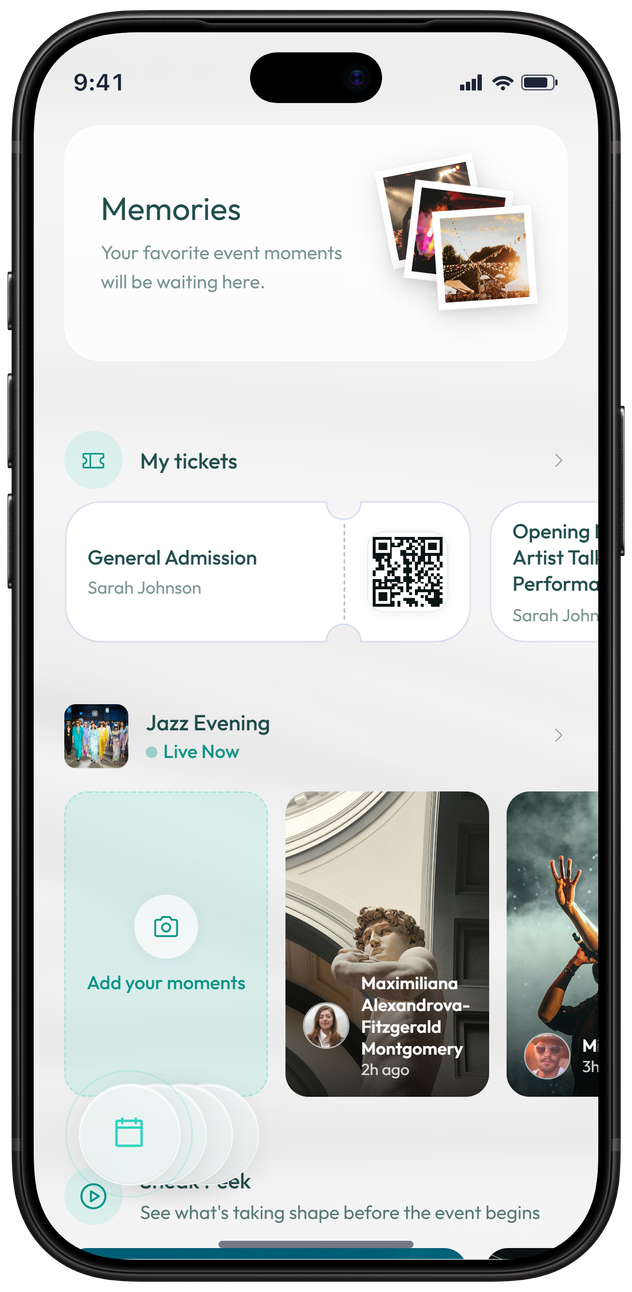
Show the QR code on your ticket at the door. The organizer scans it and you are in.
Relive it
Watch the organizer’s Sneak Peek before doors open, then share your moments and keep them as Memories.
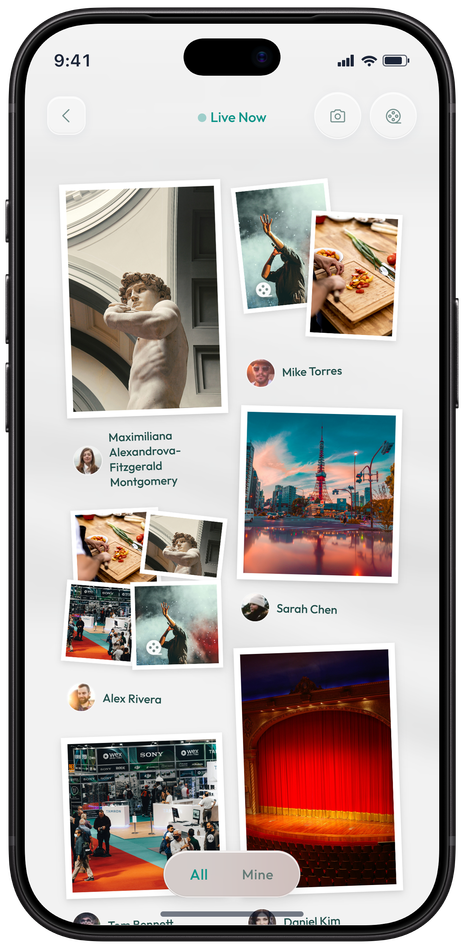
MOMENTS AND MEMORIES
Some moments deserve to be relived.
Share photos and videos at the event, see what other guests capture, and keep it all in Memories after the night is over.




FOR ORGANIZERS
Run your event from your phone.
Businesses approved by GivePayments create events, sell tickets and welcome guests with GiveCash.
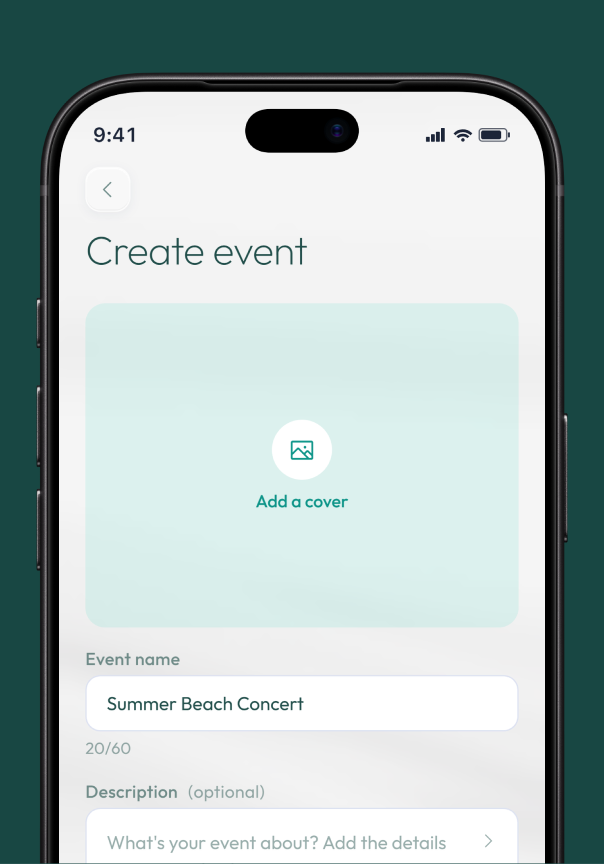
Create an event in minutes
Add a cover, the details, ticket types and seating. Preview it, publish it and share your event link.
Follow every sale
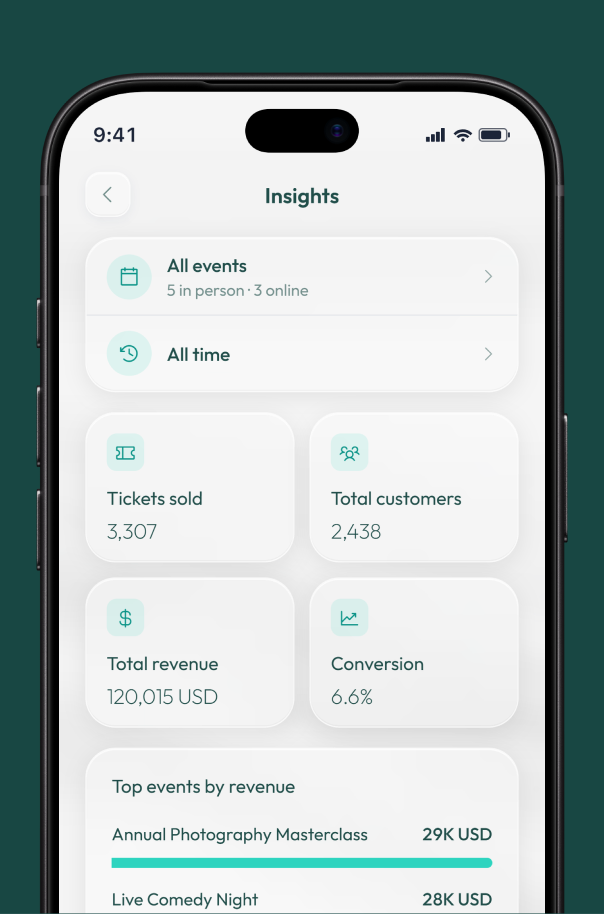
See the tickets sold for each event and your event sales as they come in.
Welcome guests at the door
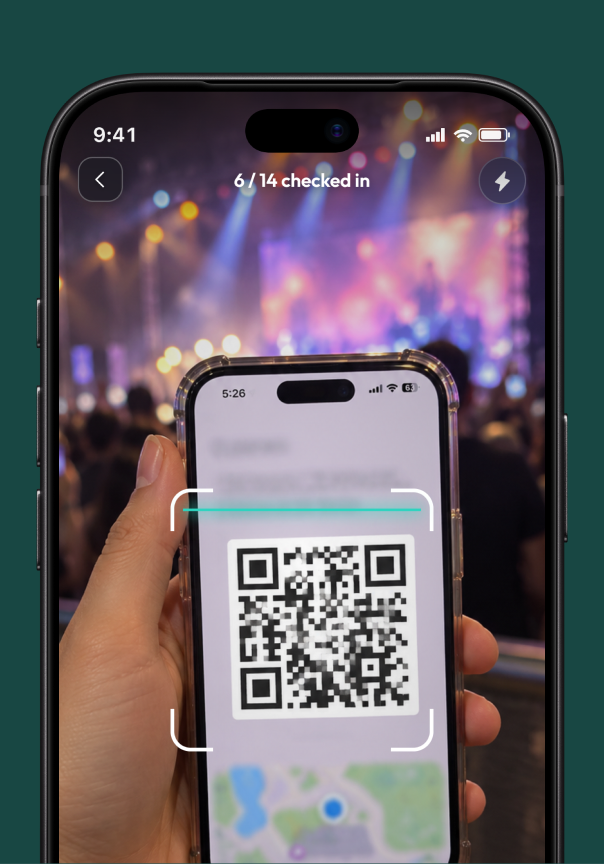
Scan tickets in seconds. If a scan does not work, find the guest by name or email and check them in.

Invite hosts
Give your team check-in access to the events you choose.

Sell with a QR code
Share or print a poster with a QR code that says Scan to buy tickets.

Build excitement
Post photos and videos to your Sneak Peek before doors open.

Hear from your guests
Guests rate their experience, and you can reply in public.

Start selling tickets with GiveCash once your business is approved.
SECURITY
Your account, protected.
GiveCash keeps signing in simple and keeps every payment in your hands.

Enter your PIN
Approve your payment of 25.00 USD.


Sign in with a code
Enter your email and the code we send you. There is no password to remember.

A PIN for every payment
Your 4-digit PIN signs you in and approves each payment.

Face ID or fingerprint
Open the app with a glance or a touch.

Alerts that matter
Get notified about payments, ticket sales and sign-ins to your account.

Trusted devices
See every device that can open your account, and remove any you do not recognize.
FAQ
Questions about GiveCash
GiveCash is an app by GivePayments for finding events, buying and keeping tickets, and sharing the moments that follow. Businesses approved by GivePayments use it to sell tickets and welcome their guests.
Enter your email in the app and the code we send you. Then set a 4-digit PIN, and Face ID or fingerprint if you like.
With a Visa, Mastercard, American Express or Discover card.
In the app, under Events. Each ticket has a QR code that the organizer scans at the door. Tickets are not sent by email or as a PDF.
Yes. Once GivePayments approves your business, you can create events, sell tickets and check guests in from the app.
Open Settings in the app and tap Close Account. Without the app, choose Account closure on the support form.
Still have questions? Contact support 

Live it all
with GiveCash.